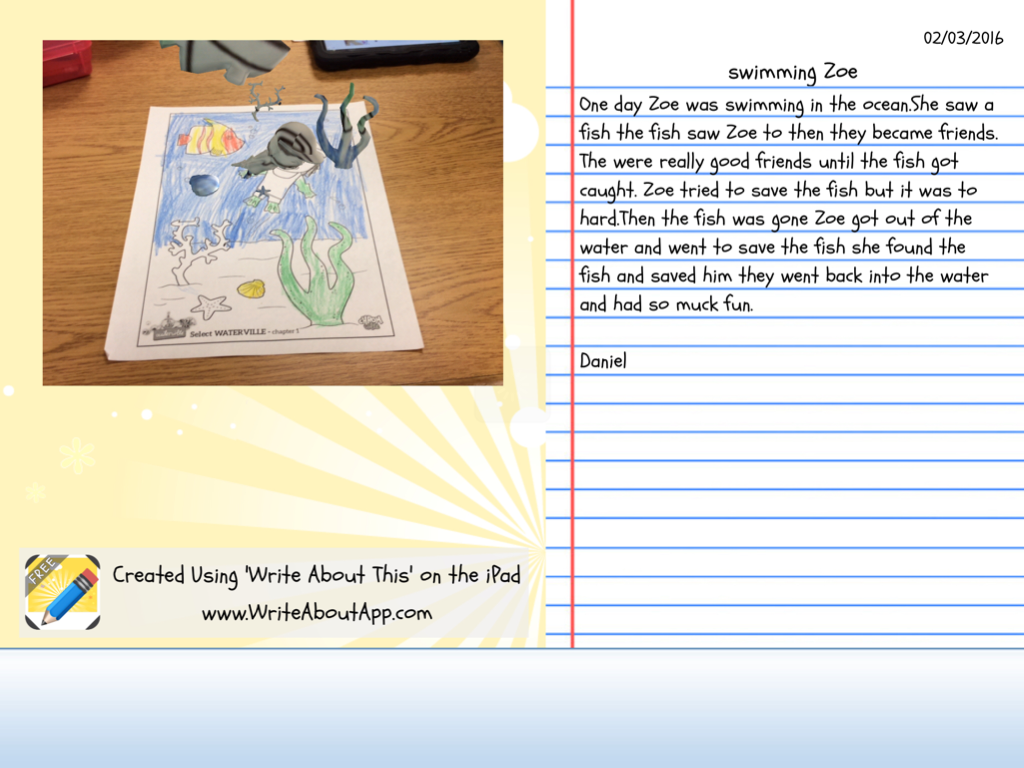
I printed off a page from the character, Zoe's stash. I gave the students about 10-15 minutes to color and told them to be thinking about a story that could go along with the picture of Zoe swimming.

When they finished coloring, we used the iPads and the Chromville app to make the picture in an augmented reality picture of Zoe swimming and diving with the fish.


The students are super excited to see the picture come alive. It is always so fun to see their reactions. The hardest part is keeping the iPad still for the 3 seconds it takes for the camera to read the picture.
Within the app there is a camera button so the students took a picture of their 3D picture. Then we opened the Write About This App (we used the free version which only allows you save one story, but there is a paid version where you can save multiple times).

This app allows you to import a picture and then write a story to go along with it. The students put imported their picture and began writing.

When they finished, the can save it to the gallery and email or save it to the camera roll. THis was a fun way to change up writing. I think using the Augmented Reality picture helped to engage them a little more than just a promt.