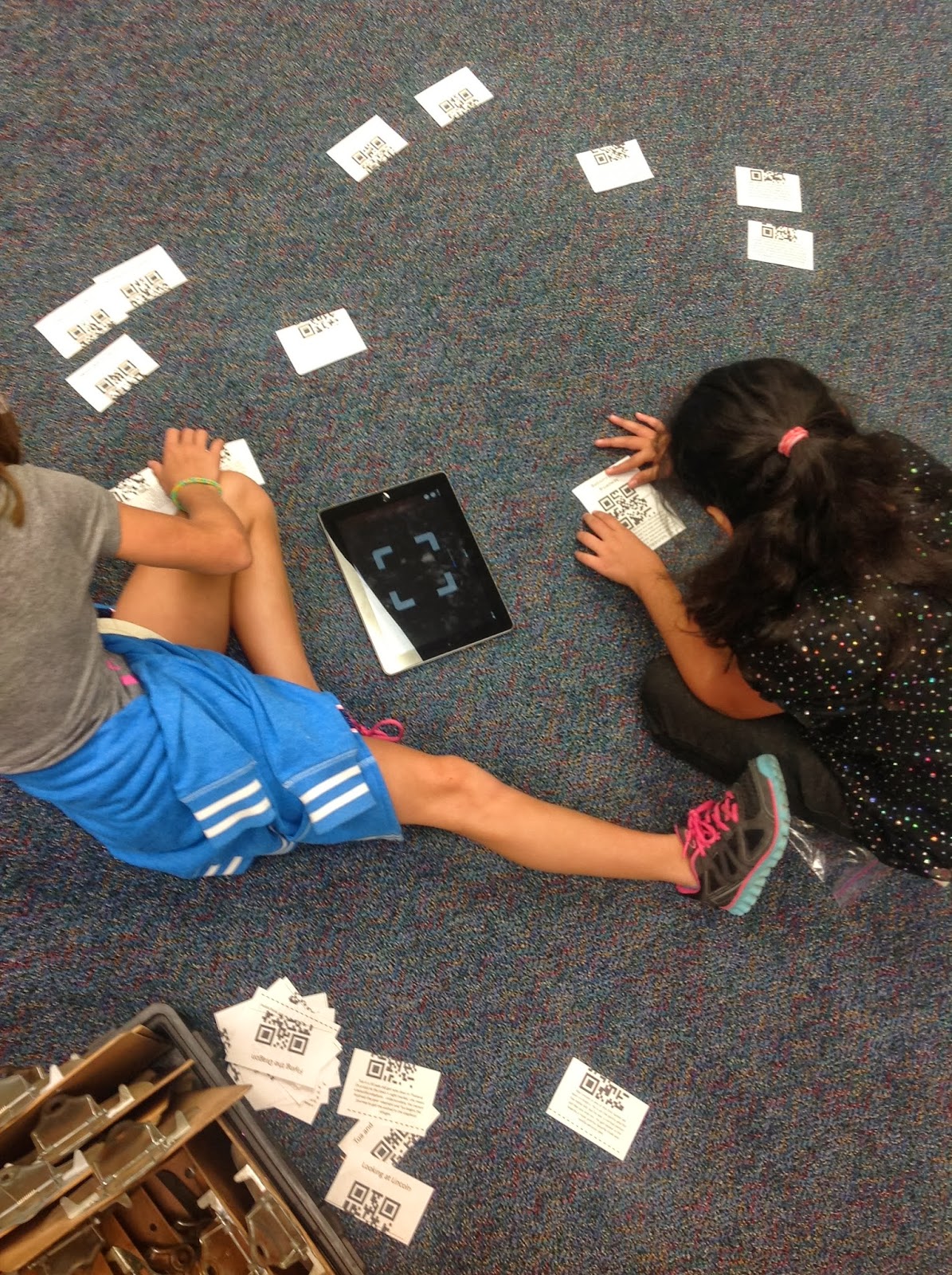
Rather than stand in front of my 4th graders and show a Power Point while I bore them to tears about the different parts of the library and procedures whey must follow, I decide to have them to a QR code Scavenger Hunt for their Orientation. I made a list of 22 places in our library I wanted them to know about... the check out desk, the biography section, the smartboard, the iPad cart, etc. Then I made a list of 22 questions like "How many shark books do we have in our library?", "How many books can you check out at a time?", "What kind of books are in the 398.2s?". Then using the website
QR Stuff, I made a QR code with the answer to each of the questions. Once I made the QR code, I opened an Excel document and pasted the QR code into a cell and the answer in the cell below the code. For the actual recording sheet for the students, each number 1-22 had a "location" and a "question". The location was where they needed to go to find the code and the question they needed to answer by scanning the code at that location. For example: #1
Location: Magazines
Question: How many shark books are in our library? The code that was taped to the magazine shelf had the QR code with the answer "62" which is the number of shark books that we have. I partnered the kids up and had each partner group start at a different number so they would not get traffic jammed - although they still did. I also asked them to move away from the code to write the answer(since the answer was on the iPad) once they scanned it so other groups could get to the code. All in all, it was a noisy, engaging, informative lesson where the students were actively reminded of places in our library, procedures and interesting facts and not one of them fell asleep.